UPI for Everyday Payments and Money Transfers
UPI has changed the way people transfer money, pay merchants, settle bills, and manage everyday transactions. It allows users to send or receive funds directly between bank accounts through a mobile application, often without entering lengthy account details for every payment.
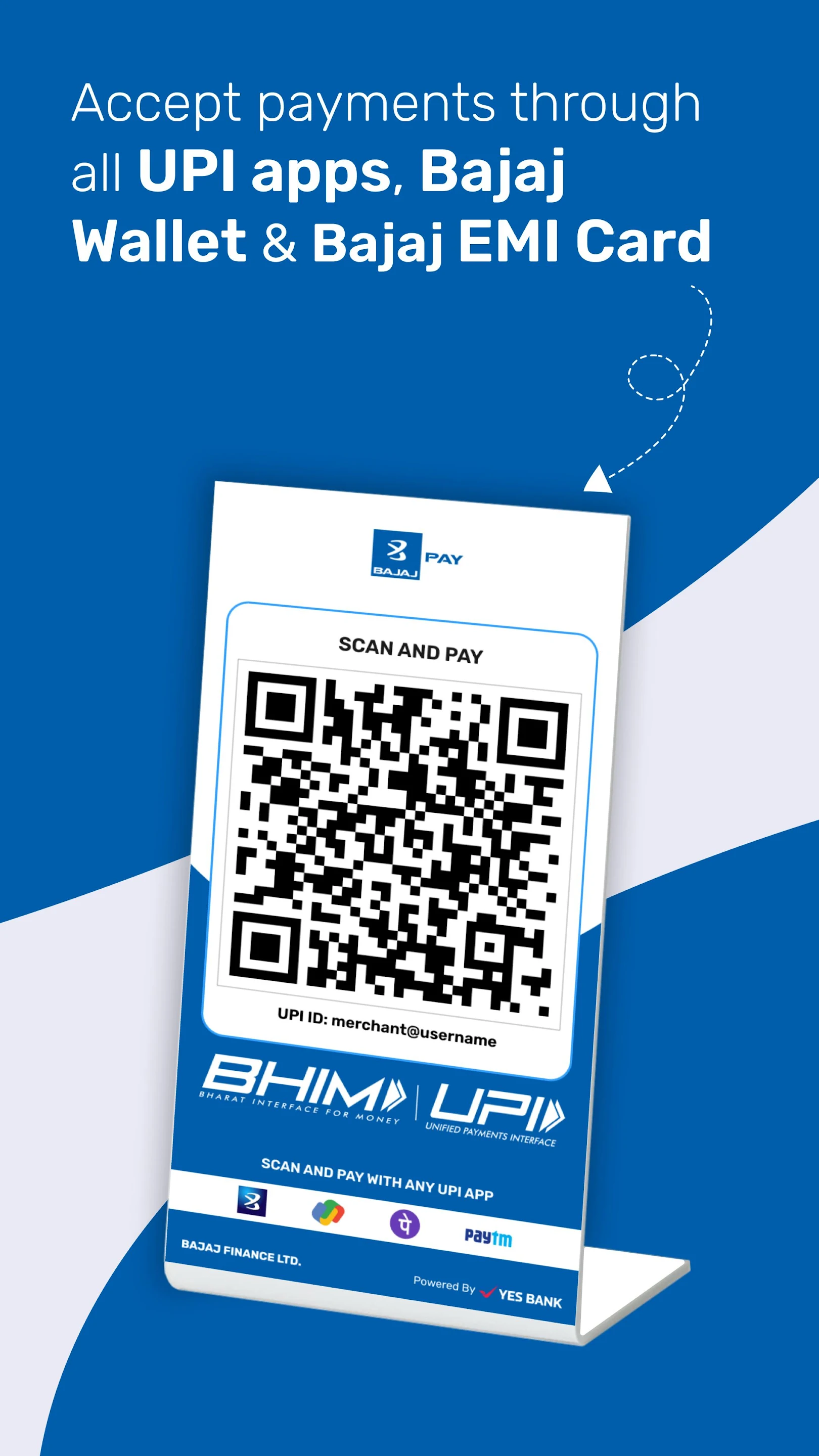
The system is designed to make digital payments faster and more accessible. Users can pay through a mobile number, payment address, bank account details, or QR code, depending on the options supported by the application. Although the process is simple, users should understand authentication, payment limits, security checks, and transaction status before relying on it for regular financial activity.
Digital financial platforms may offer several services in one place, including bill payments, account transfers, savings products, and an instant loan facility. Users should evaluate each service separately and avoid assuming that access to one feature confirms suitability or eligibility for another.
How UPI Works
UPI enables direct bank-to-bank transfers through a supported mobile application. A user links an eligible bank account, creates a payment identification method, and sets up a secure payment PIN.
When a payment is initiated, the application sends the transaction request through the relevant banking network. The user verifies the payment using the assigned PIN, and the amount is transferred from the selected bank account to the recipient.
The transfer may be completed within seconds, although processing can occasionally take longer because of network congestion, bank maintenance, or technical issues.
Users do not normally need to share debit card details or complete internet banking login steps for every transaction. However, initial registration may require mobile verification and card-related information.
Setting Up UPI on a Mobile Device
The registration process begins with downloading a verified payment or banking application from an official app store. The mobile number used during registration should generally be linked to the bank account.
After installation, the application may request permission to verify the device and mobile number. Users should review app permissions and provide only those required for account registration and payment services.
The application then displays eligible bank accounts connected to the verified mobile number. The user selects the required account and completes the authentication process.
A payment PIN must be created before transactions can be authorised. This PIN should be kept confidential and should not be confused with a device password, ATM PIN, or one-time password.
Common Ways to Make Payments
UPI supports different payment methods, making it suitable for both personal transfers and merchant transactions.
Payment Through a UPI ID
A UPI ID acts as a digital payment address. The sender enters the recipient’s ID, verifies the displayed name, adds the amount, and authorises the transaction.
This method reduces the need to enter bank account and branch details manually.
QR Code Payments
QR codes are widely used by shops, restaurants, service providers, and individuals. The user scans the code, confirms the recipient’s information, enters the payment amount if required, and authorises the transaction.
Users should verify the merchant or recipient name before completing the payment.
Mobile Number Transfers
Some applications allow users to send money using a mobile number linked to a payment account. The displayed recipient details should be checked carefully because multiple accounts or payment profiles may be connected to the same number.
Bank Account Transfers
Users may also transfer funds by entering the account number and bank routing information. This method can be useful when the recipient does not use the same payment application.
Where UPI Can Be Used
The payment system can support a wide range of everyday financial activities.
Users can pay utility bills, recharge mobile services, settle restaurant bills, purchase groceries, pay educational fees, and transfer money to family members.
Online businesses may offer UPI as a checkout option. The user selects the payment method, receives a request in the linked application, and approves the transaction after verifying the merchant and amount.
It may also be used for subscription payments and recurring instructions where supported. Users should monitor these mandates regularly and cancel those that are no longer required.
Key Benefits of UPI
Fast Account Transfers
Transactions can usually be completed quickly without visiting a bank branch or entering extensive account information.
Availability Across Different Banks
A user may link multiple eligible bank accounts within one application. This allows payments to be made from different accounts without switching between separate banking platforms.
Convenient Merchant Payments
QR-based payments reduce the need to carry cash or enter card information. This makes the system practical for both small and large purchases, subject to applicable limits.
Digital Transaction Records
Each payment generates a transaction record containing the amount, recipient, date, and reference number. These details can help users track spending and resolve payment disputes.
Simple Payment Requests
Users may send payment requests to another person. However, every collection request should be checked carefully before approval because fraudulent requests can appear similar to legitimate ones.
Understanding Transaction Limits
UPI transaction limits may vary based on the bank, application, transaction type, and regulatory requirements. Some payment categories may have separate limits.
Users should check the applicable daily and per-transaction limits before attempting high-value transfers. A payment can fail even when the account has sufficient funds if the transaction exceeds the permitted limit.
Banks may also apply temporary restrictions to newly registered accounts or recently changed devices as a security measure.
Repeated attempts after a failed transaction may trigger additional controls. Users should review the failure message before trying again.
Security Practices for UPI Payments
The payment PIN should never be shared with a merchant, customer support representative, family member, or unknown caller. It is required only when authorising a payment, not when receiving money.
Users should remember that entering a PIN generally approves a debit transaction. A genuine incoming payment usually does not require the recipient to enter a payment PIN.
Payment requests from unfamiliar individuals should be declined. Fraudsters may describe a collection request as a refund, reward, account verification, or payment receipt.
Applications should be downloaded only from official sources. Users should check the developer name, app permissions, reviews, and update history before registration.
Screen-sharing applications should not be used while accessing payment or banking services. These tools may allow another person to view confidential information or control the device.
Handling Failed or Pending Transactions
A transaction may remain pending because of a delayed response from the sender’s bank, recipient’s bank, or payment network.
Users should first check the transaction history rather than immediately repeating the payment. A second attempt may result in duplicate transfers if the first transaction is completed later.
When the amount is debited but not credited, the application may automatically reverse it within the stated processing period. Users should retain the transaction reference number and monitor the linked bank account.
If the status remains unresolved, the complaint should be raised through the application or bank using the official support process.
Managing Multiple Bank Accounts
Users with multiple bank accounts can often link them to the same payment application. One account may be selected as the default account for receiving funds, while another may be used for outgoing payments.
Account names and masked details should be reviewed before every transaction. This reduces the risk of paying from the wrong account.
Inactive or closed accounts should be removed from the application. Users should also update their payment setup after changing a mobile number, device, or banking relationship.
Regular account review helps ensure that refunds and incoming payments are routed to the intended account.
Using UPI for Budgeting
Transaction history can help users analyse frequent expenses such as food, transportation, bills, subscriptions, and shopping.
Users can review weekly or monthly activity to identify unnecessary spending. Categorising transactions may also make it easier to compare actual expenses with a planned budget.
However, the ease of digital payments can encourage frequent small transactions that are difficult to notice individually. Reviewing the total amount spent is more useful than focusing only on single payments.
Users should maintain sufficient funds for essential bills and scheduled payments rather than relying solely on the available account balance displayed during checkout.
Common Mistakes to Avoid
Approving a payment request without checking the sender is a major risk. The amount, recipient, and transaction type should always be reviewed.
Another mistake is sharing screenshots that contain payment addresses, bank details, mobile numbers, or transaction references. Such information should be shared only through official complaint channels when necessary.
Users should not treat a payment confirmation screen as the only proof of settlement. The transaction history and bank account should also reflect the correct status.
Making payments through public Wi-Fi or unlocked devices can create security concerns. A protected internet connection and device lock should be used for financial transactions.
Additional Digital Services Connected to Payment Apps
Some applications provide access to financial products beyond transfers and bill payments. These may include savings options, investment services, credit facilities, or an insurance app section linked to policy management.
Users should review the provider, charges, terms, eligibility conditions, and data permissions before using any additional service. A familiar payment interface does not remove the need to assess each financial product independently.
Conclusion
UPI offers a convenient way to transfer money, pay merchants, settle bills, and manage daily transactions directly through linked bank accounts. Its speed, accessibility, and multiple payment options have made it useful for a wide range of financial activities.
Safe use depends on careful verification. Users should protect their payment PIN, reject unknown requests, monitor transaction status, review account details, and use only verified applications. These practices can help reduce payment errors and improve control over digital spending.